Every store sells its own stock, with pickup or delivery in the same order
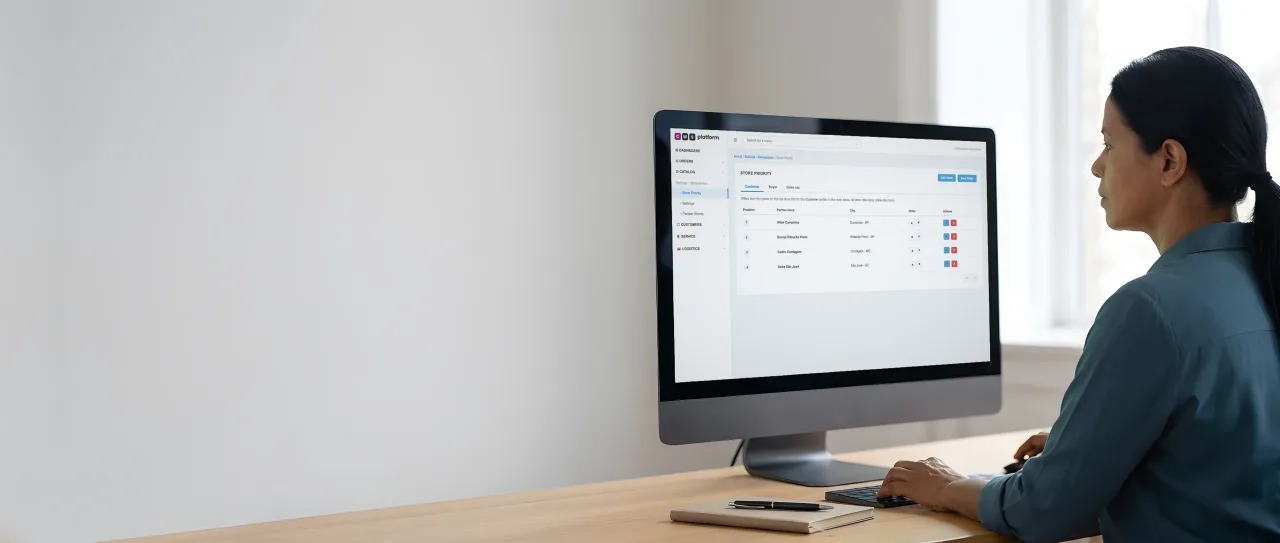
For whoever runs the store network
The operations director sets which stores show first for each buyer profile.
In the Marketplace Management Platform (Marketplace Center), the ranking applies per profile: customer, buyer or sales rep. The other offers stay visible after them.
Illustrative scene with a real CWS Platform screen in a demo version. People, stores and on-screen data are fictitious.
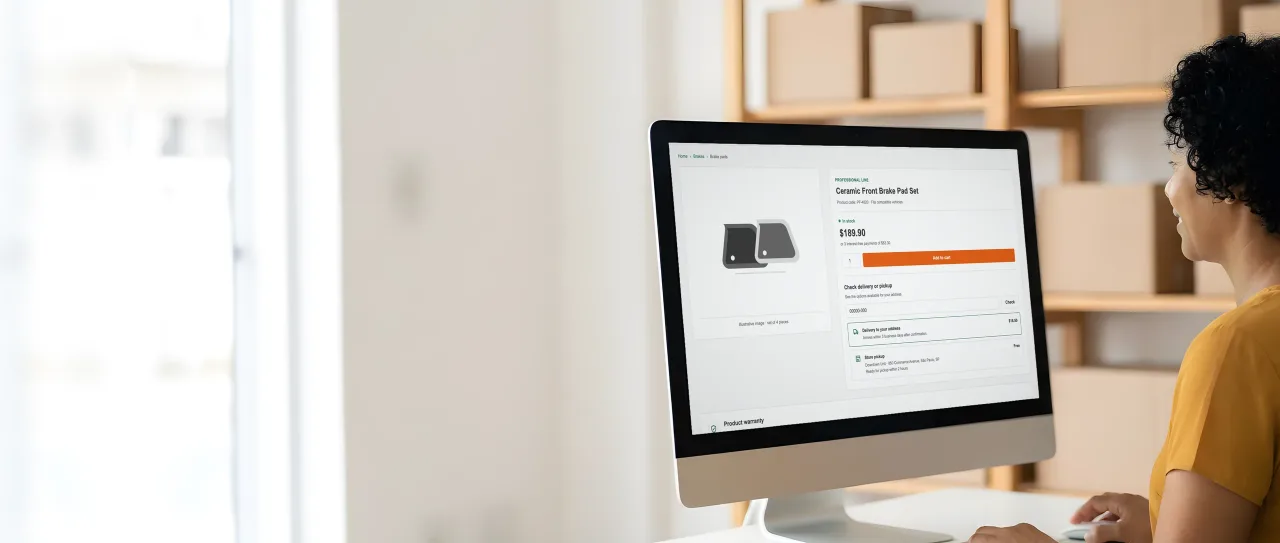
For buyers who buy from the network
On the product page, the retailer enters her ZIP code and picks delivery or store pickup.
Shipping & Fulfillment (Logistics Engine) shows each option with its own price and lead time, from the store that has the item.
Illustrative scene with a real CWS Platform screen in a demo version. People, stores and on-screen data are fictitious.
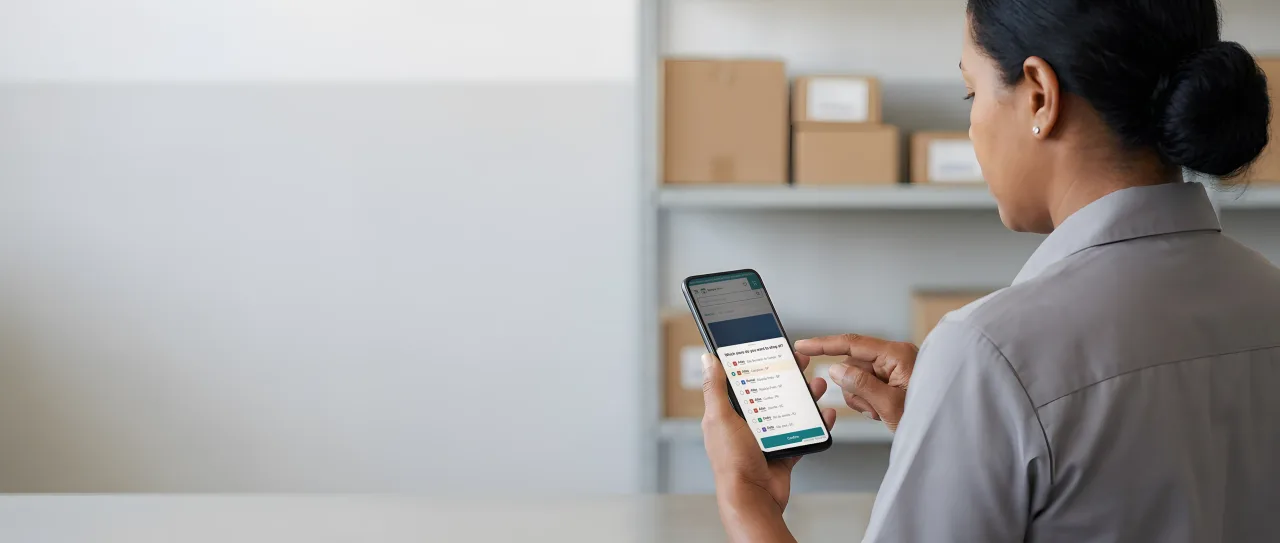
For whoever needs the part today
On her phone, the technician picks the network store that will serve her, across several banners.
From the chosen store, the catalog shows that store's stock and price, and she can switch stores without leaving the portal.
Illustrative scene with a real CWS Platform screen in a demo version. People, stores and on-screen data are fictitious.
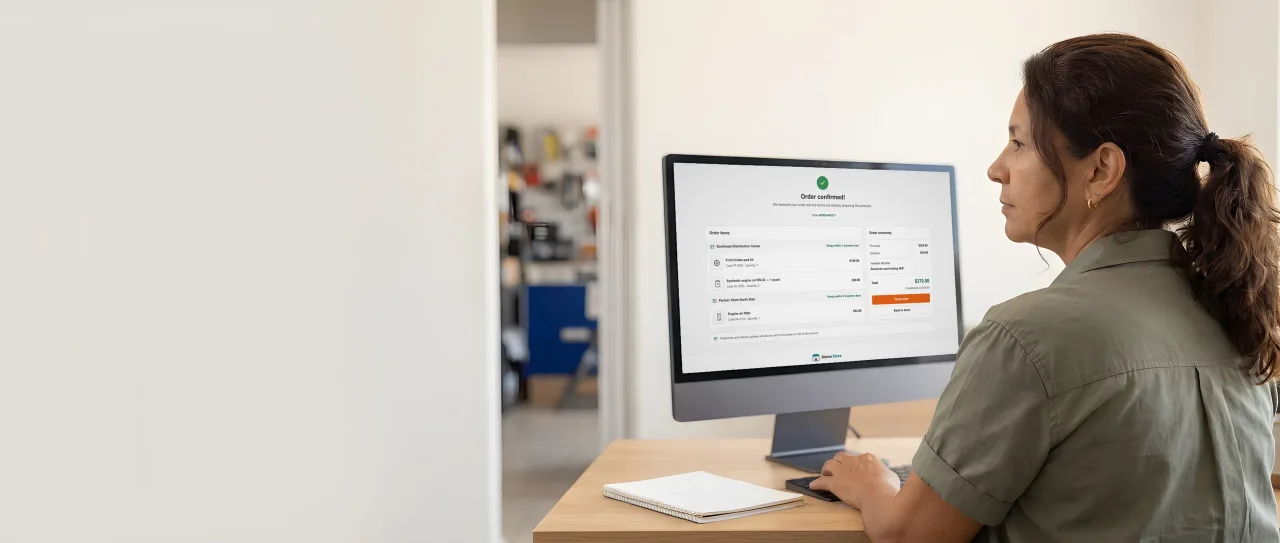
For whoever places the order
The confirmed order shows each store with its own items and its own prep time.
For the buyer it is a single order; in the Order Management System (OMS), each store and each warehouse gets the part that ships from there.
Illustrative scene with a real CWS Platform screen in a demo version. People, stores and on-screen data are fictitious.
By challenge · Inventory and delivery
The portal shows stock the buyer's store doesn't have. They drive over and leave empty-handed, or call in and end up with three orders and three invoices from different stores. The network has the product, but the digital channel flattens everything into one inventory and loses the very thing that wins: the store near the customer.
On CWS Platform, every store sells its own stock. Distributed Inventory (Inventory Hub) keeps the balance of each store and warehouse; Shipping & Fulfillment (Logistics Engine) prices delivery from the store that has the item and offers pickup where the stock exists; and the Order Management System (OMS) splits the buyer's single order into one part per store. The same works for a B2B network and for stores that sell to consumers.
Where network sales get lost today
Inventory is national, the store isn't
The portal adds everything into one balance, promises what the buyer's store doesn't have, and pickup becomes a wasted trip.
The right store doesn't show up
The store that serves the area isn't first, so the buyer orders from far away, pays more freight, or gives up.
Several stores, several orders
When a purchase mixes items from more than one store, the buyer gets separate orders, invoices and conversations.
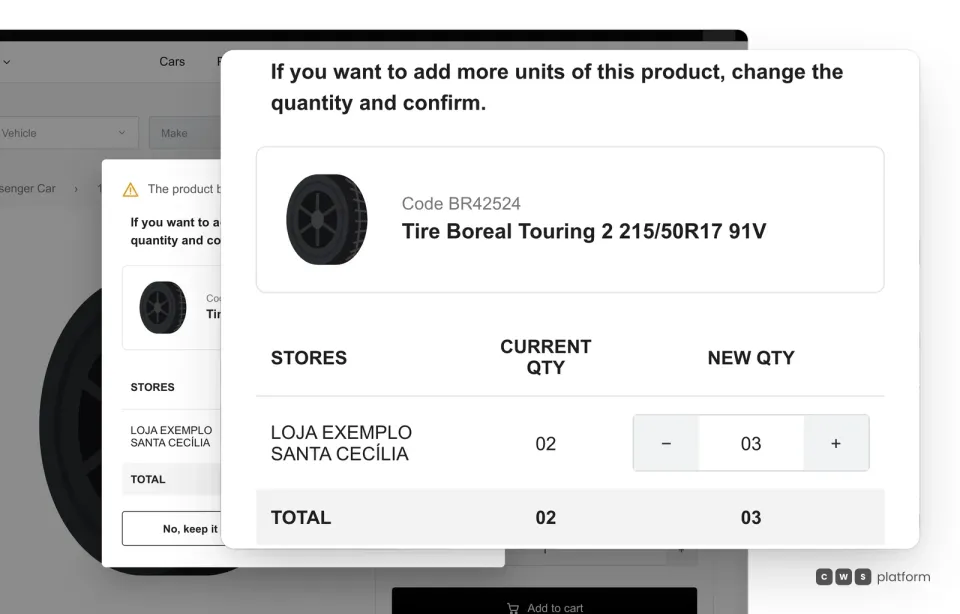
Quantity per store
In the cart, buyers see which store each unit ships from.
When they add an item that is already in the cart, the platform shows the store it ships from, the current quantity, the new quantity and the total, and they confirm before moving on. When the item sits in more than one store, the adjustment is made store by store.
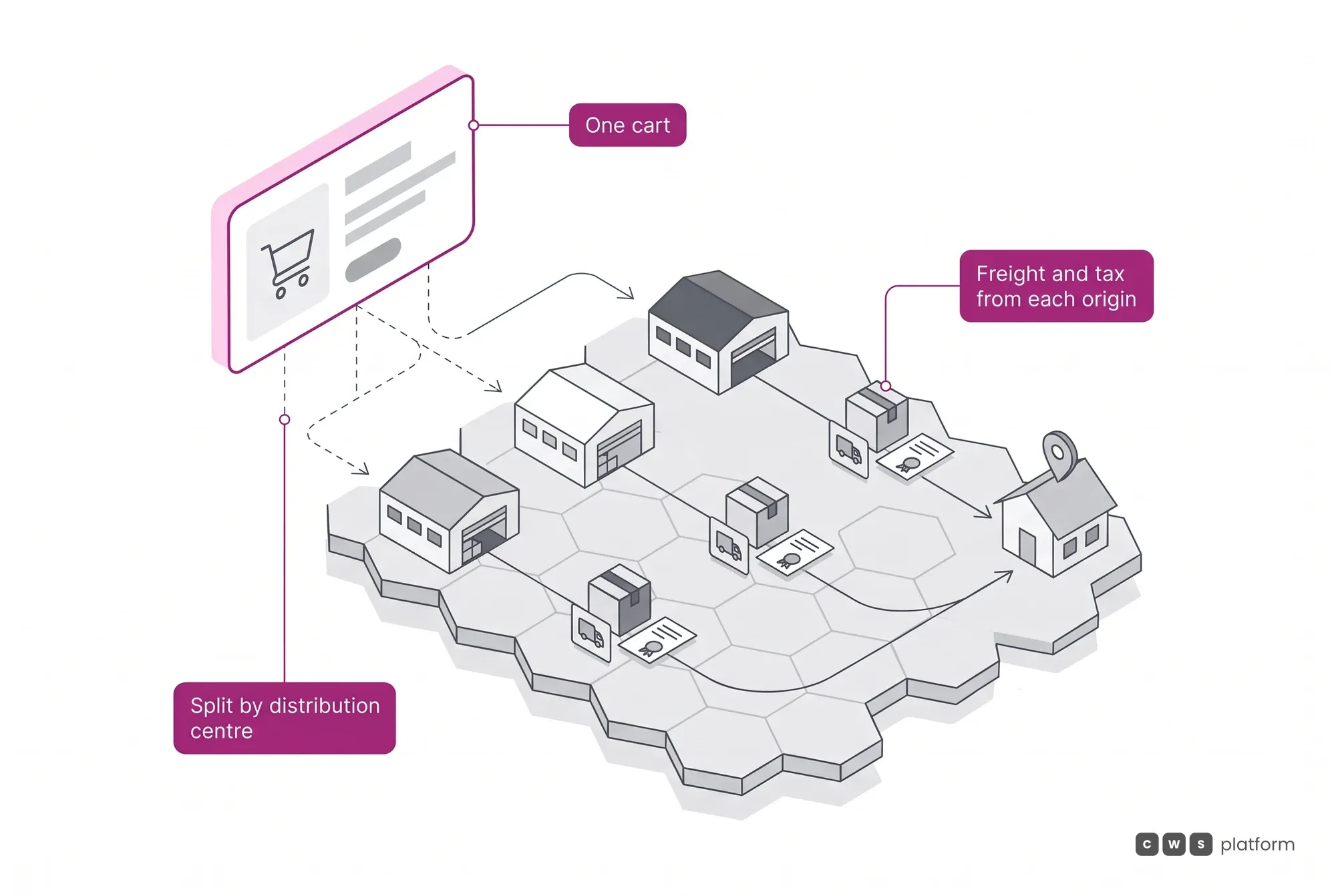
Freight ships from the store that has the item
The cart splits by stock origin, and the freight for each part is calculated from that origin and the region rule, together with each store's prep time.
Pickup is one more delivery option: each pickup address is linked to active warehouses, and the list of pickup stores shows opening hours, distance from the ZIP code and price.
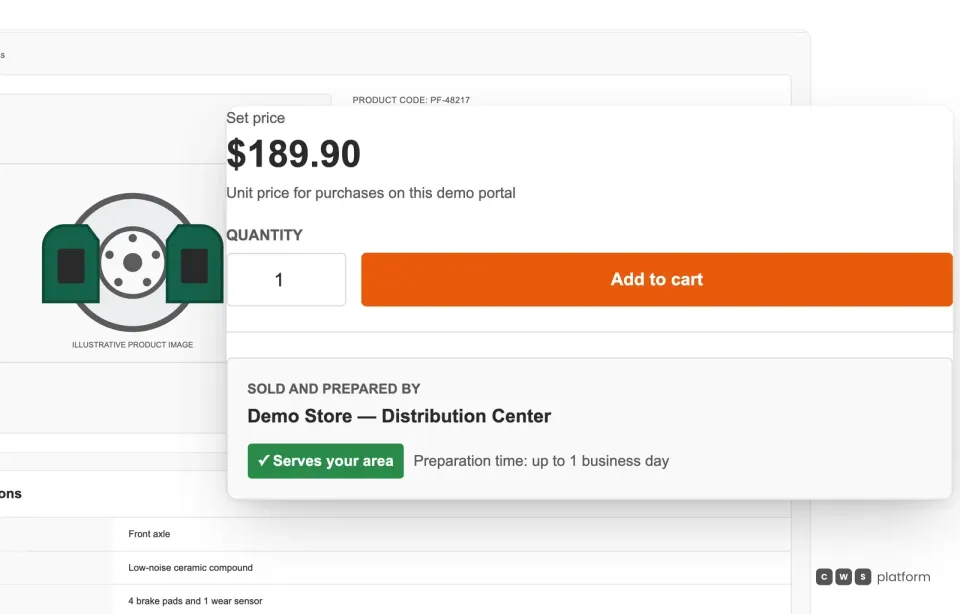
Who sells and prepares
The offer already says which store ships the order and whether it serves the area.
Before buying, the customer sees who sells and prepares the item, whether that store serves their address and the prep time. The main offer can go to the lowest price or the nearest store, under the rule the network picks.
Want to see your stores' stock in a single order?
Tell us how many stores and warehouses you run and how you deliver today, and a specialist will build the demo with your network's pickup and delivery.

Persona · Store network customer
I see which store has the item and choose to pick it up there or get it delivered.
The portal only offers pickup where the stock exists, and delivery ships from the store that serves my address.

Persona · Network supplier
I only get the part of the order that ships from my stock, with its own prep time and invoice.
The customer places a single order, and each store or supplier picks, prepares and invoices its own share.


In production: networks that sell from every location's stock
Campneus, a tire and auto service chain with more than 117 stores in Brazil, sells to consumers on a single portal built on CWS Platform technology: each store's stock shows in the right region, freight is calculated locally, and one cart brings together purchases from several stores, with pickup or delivery from the store that serves the buyer.
The same principle, local stock first, applies to B2B buying on Pirelli Conecta: more than 100 workshops in a network of more than 450 already buy parts from selected suppliers on the portal, and each one sees the products, stock and distributors of its own area.
Scale stories, with no business-result figures. Sources: campneus.com.br (store network) and Pirelli (network adoption, 2026). Read the Campneus story → Read the Pirelli Conecta story →
What usually gets in the way, and how it works
Does store stock come from my ERP?
Yes: each warehouse balance arrives by API and webhook, and large loads can go up by spreadsheet. A single update by API is immediate.
What if a store doesn't want to offer pickup?
Pickup is set per address and warehouse, and a store can stay off the pickup list or hide the option.
Can each store have its own price?
It can. The price can follow the store nearest the delivery address, even when the order ships from a distribution center.
Frequently asked questions
What is store fulfillment?
It means selling and shipping from your stores' stock, not only from a distribution center: the order ships from the store that has the item and serves the buyer's address, or waits there for pickup.
Is ship from store the same as buy online, pick up in store?
They are related. With pickup, the buyer orders online and collects at the store; with ship from store, the store sends the order. On CWS Platform both live in the same order, item by item.
Does each store need its own stock on the portal?
Yes. Inventory is multi-warehouse: each store or warehouse has its own balance, and the portal only offers pickup or delivery where that balance exists.
Does the buyer get several orders and several invoices?
No. They place a single order. Behind it, the order splits into child orders per store and per warehouse, each with its own freight, prep time and invoice.
Go deeper
- Distributed Inventory (Inventory Hub): each store and warehouse's stock.
- Shipping & Fulfillment (Logistics Engine): freight by origin and store pickup.
- Governed marketplace: your stock and partners' stock in one cart.
- Location inventory and pricing in B2B portals: the guide, on The Cost of Selling blog.
- Real-time B2B inventory: webhooks, APIs or batch.
- All challenges: customer price lists, discount approval, payment terms and more.
See store fulfillment with your stores
Tell us a bit about your operation and a CWS Platform specialist will reach out within one business day, no strings attached.