Optimizely vs SAP Commerce Cloud: how much of the store depends on the ERP?
Queried or stored pricing, orders sent, and invoices displayed: how each vendor documents its reliance on the ERP, through the CIO and CTO lens.

Editor's note: CWS Platform competes with Optimizely and with SAP. This comparison relies only on each vendor's public documentation, with the address next to each fact and the date of each record cited.
Short answer: Optimizely Configured Commerce fits companies that want the store talking to an ERP that stays where it is, through the Windows Integration Service or the API, with the customer price matrix kept in the platform; invoicing stays in the ERP. SAP Commerce Cloud fits companies already running SAP that want pricing, contracts, and orders on the paths SAP documents into its own ERP; the S/4HANA order module requires the Composable Storefront.
Between Optimizely Configured Commerce and SAP Commerce Cloud, the CIO and the CTO are deciding how much of the B2B store will depend on the ERP with every click. Price, inventory, orders, and invoices can be queried from the ERP on the spot or copied into the platform, and each choice changes what happens when the ERP is slow or when the vendor replaces a module.
Optimizely treats the ERP as an external system, reached by an agent on the customer's network or by API calls. SAP treats the ERP as part of its own product family and documents modules for SAP S/4HANA and SAP Cloud ERP. The overall map is in the three B2B commerce platform models, and the other vendor-by-vendor readings are in the comparisons hub.
Optimizely Configured Commerce and SAP Commerce Cloud side by side
Where the source does not cover a point, the cell says "not documented".
| criterion | Optimizely Configured Commerce | SAP Commerce Cloud |
|---|---|---|
| Platform model | B2B commerce with REST APIs and integration through Windows Integration Service jobs | Modular platform on public cloud (version 2211), extended through extensions and AddOns |
| B2B native or by extension | Native: customer price matrix, quotes, Quick Order, and PunchOut | Native: customer-specific catalogs, quote to order, buying against contracts, and approvals |
| Customer and contract pricing | Price Matrix from the most specific record to the most general, or price queried from the ERP | Contract pricing from SAP Cloud ERP, or prices and discounts replicated from SAP S/4HANA |
| Quotes | Request for Quote and Job Quotes, with discount and margin limits | Quote to order in Commerce itself, or integrated with SAP CPQ |
| Credit and payment terms | Not documented; invoice terms and balance displayed from the ERP | Not documented |
| ERP integration | WIS agent on the customer's network, or direct calls to the ERP API | SAP-managed connectivity in the Cloud ERP edition; SAP Cloud Integration with SAP S/4HANA |
| Pricing model | Not documented | Platform: blocks of 50,000 orders/year or GMV |
| Implementation | WIS installed at the customer's firewall, or internal WIS for a cloud ERP | Cloud ERP edition with an announced standard implementation of about 12 weeks |
Pricing and commercial rules: query the ERP or keep the rule
At Optimizely, customer pricing has two paths. The first is the Price Matrix, a flat table kept in the platform so prices can be calculated without a direct connection to the ERP. According to the Get started with pricing guide, the calculation runs from the most specific record to the most general, compares the result with the basic sale price, and returns the lower one.
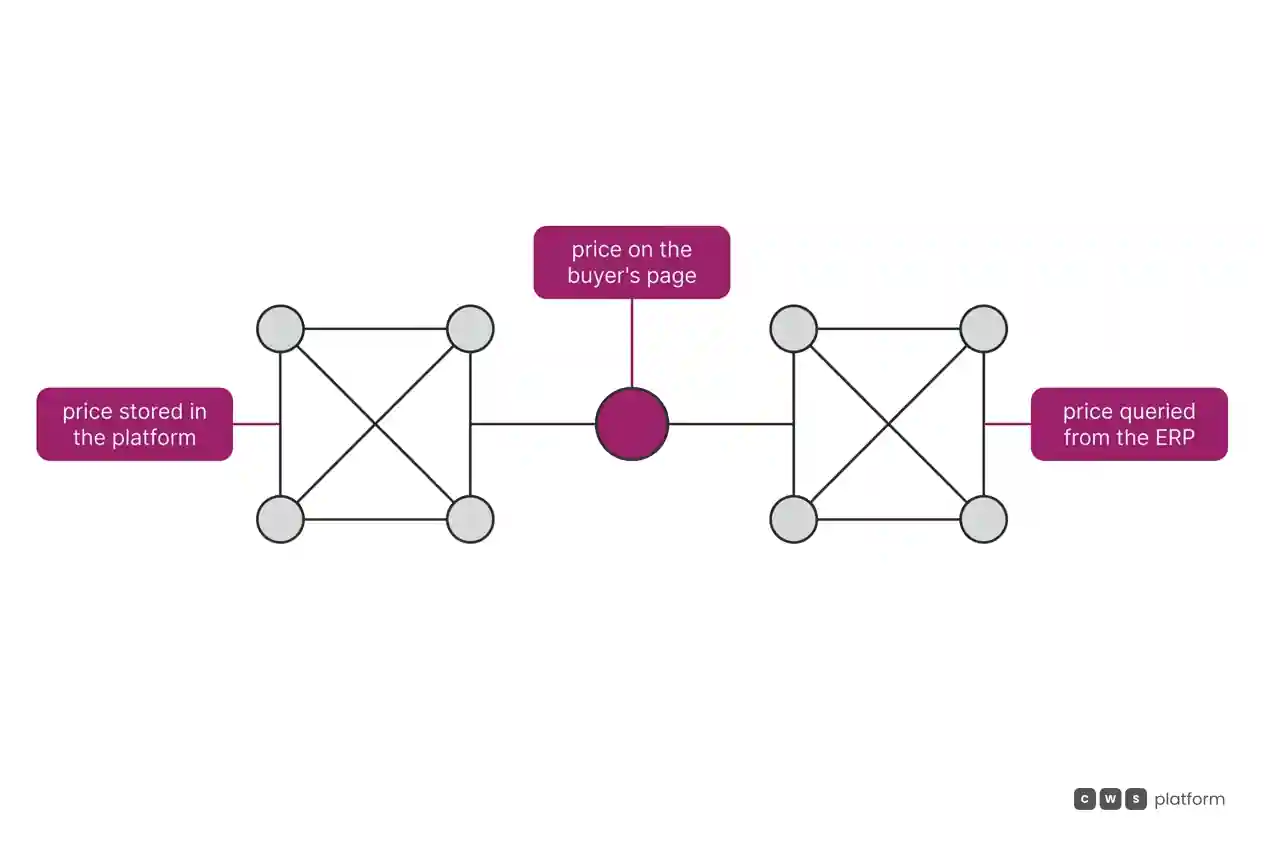
The second path is asking the ERP. Per the real-time pricing and inventory page, the platform calls the ERP API directly or through the Windows Integration Service, with a default timeout of 10 seconds and a 60-minute cache for pricing; if the Price Matrix is active and a matrix exists for the record type, the matrix wins. It is recorded in Optimizely's documentation, accessed on October 16, 2026, that real-time calls typically require direct access to the ERP and make the site dependent on it ("Because real-time calls typically require direct access to the ERP, the site becomes dependent on the ERP.", Windows Integration System overview). In the demo, it is worth asking what price shows up when the ERP does not respond.
At SAP, contract pricing also has two designs. In the Cloud ERP edition, prices, inventory, and order status are obtained by querying SAP Cloud ERP as the source of truth. With SAP S/4HANA, prices and discounts are replicated through SAP Cloud Integration flows, per the ERP integration. With SAP ERP or SAP CRM, the pricing documentation describes replicating price tables and discounts to operate without depending on the back end, with Synchronous Pricing for Catalog turned off and delta loads after every change.
Quotes and assisted selling
At Optimizely, Request for Quote is turned on through configuration, and specific items can be flagged as "Quote Required". The maximum discount is based on the basic list price, and the minimum margin on the unit cost set per warehouse. A Job Quote sets a total quantity consumed across several orders until an expiration date.
At SAP, the buyer requests quotes and converts approved quotes into orders in Commerce itself, according to SAP's blog on the Cloud ERP edition. With SAP CPQ integrated, per the quote-to-cash integration course, the locked cart goes through SAP Cloud Integration to SAP CPQ; once accepted, the quote becomes an order in Commerce and moves on to SAP S/4HANA.
ERP integration: who carries the order and who keeps the invoice
At Optimizely, integration is an agent. Per the Windows Integration Service documentation, the WIS sits at the customer's firewall and polls the site to run jobs, in batch or in real time: Refresh tasks bring products, inventory, and customers from the ERP, and Submit tasks push orders and customers created in the store to the ERP.
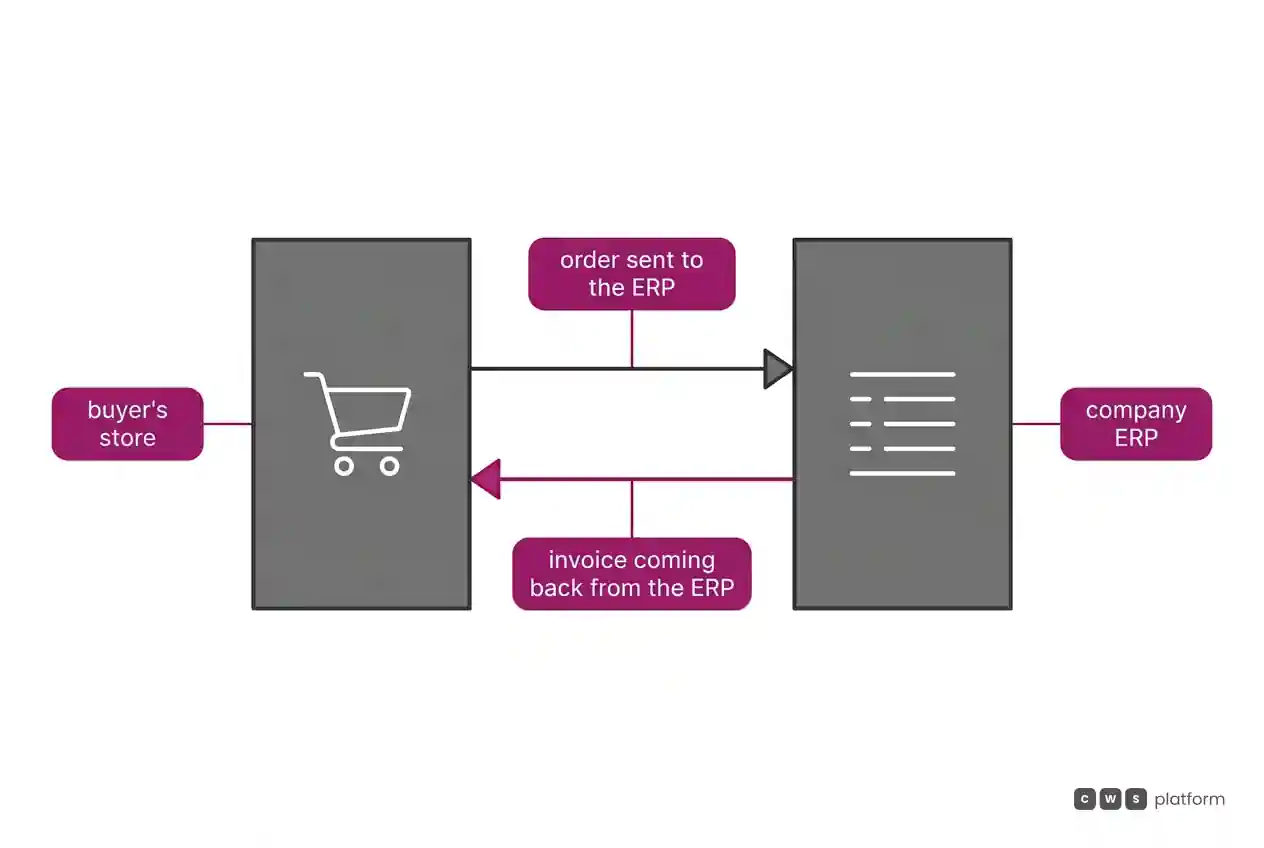
It is recorded in Optimizely's documentation, accessed on October 16, 2026, that Configured Commerce does not manage invoicing and only displays what the customer's ERP provides to the database ("Configured Commerce does not manage invoicing and displays only what the customer's ERP system provides to the database.", order and invoice history in Spire CMS). It is worth asking how, and how often, invoices arrive from the ERP.
At SAP, the SAP B2B Self-Service Portal shares data with the ERP through the preconfigured SAP S/4HANA Order Management Integration module, with order tracking and invoice downloads. It is recorded in SAP's documentation, on a page dated September 9, 2026, that the SAP S/4HANA Order Management module is supported only on the Composable Storefront and does not cover scenarios with S/4HANA Product Variant Configuration ("supported only on the SAP Commerce Cloud, composable storefront", SAP Commerce integrations documentation). It is worth asking which storefront the project uses and how configurable products are handled.
Cost and pricing model
The SAP Commerce Cloud pricing page records billing in blocks of 50,000 orders/year or GMV. At Optimizely, the Configured Commerce pages used here do not state the pricing model; the question goes into the proposal.
On both sides, it is worth asking the proposal to separate the cost of the platform from the cost of keeping the integration running: WIS jobs and server, at Optimizely; SAP Cloud Integration flows and extensions, at SAP.
Implementation and ongoing support
At Optimizely, implementation starts on the customer's network: the WIS is installed at the corporate firewall or, with a cloud ERP, runs as an internal WIS inside Configured Commerce itself.
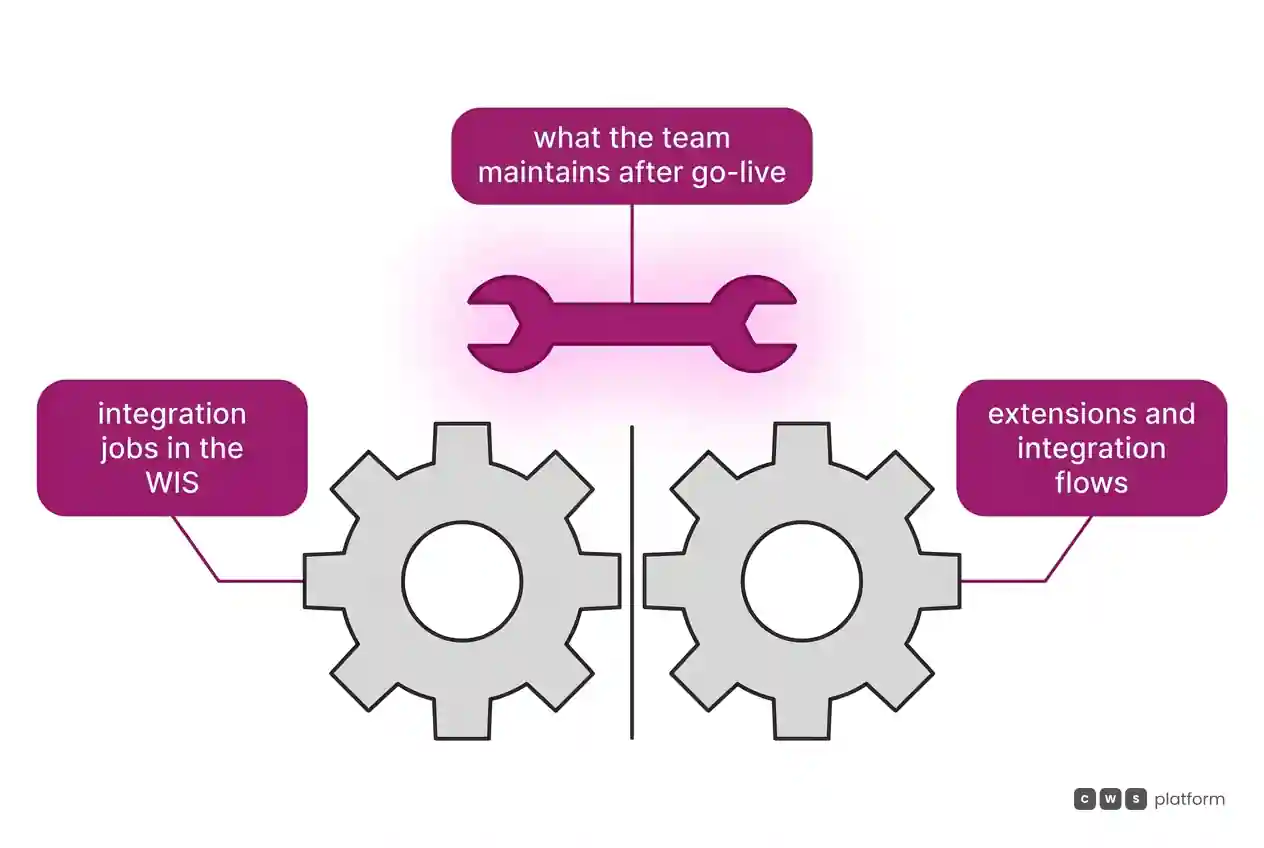
At SAP, the platform documentation describes version 2211 on public cloud only, with business logic in extensions and builds from a Git repository. The Cloud ERP edition announces a standard implementation of about 12 weeks, according to SAP's blog. It is recorded in SAP's documentation, on a page dated September 29, 2026, that the legacy synchronous order module (sap-synchronous-order-management) is not supported for SAP Commerce Cloud in the public cloud ("not supported for use with SAP Commerce Cloud in the Public Cloud", SAP Commerce integrations documentation). It is worth asking how much of the existing integration code will be rewritten in the migration.
When to choose Optimizely Configured Commerce
An ERP that stays on the company network. When IT prefers an agent at its own firewall pulling and pushing data, as the Windows Integration Service describes.
Customer pricing kept in the platform. When customer pricing should not call the ERP on every page, through the Price Matrix.
Quotes with a minimum margin. When reps quote within discount and margin limits, and the quoted quantity is consumed across several orders, through Request for Quote and Job Quotes.
Buying from the customer's procurement system. When large accounts require cXML PunchOut, with the order approved by the customer moving on to the ERP, through PunchOut cXML.
When to choose SAP Commerce Cloud
SAP Cloud ERP as the source of truth. When the company wants contract terms, contract pricing, entitlements, and invoices synchronized from SAP Cloud ERP, according to SAP's blog.
SAP S/4HANA with replicated pricing. When the team wants documented integration flows for prices and discounts, through the ERP integration.
Orders from every channel in one portal. When buyers need to see orders, invoices, and contracts created in digital, through EDI, email, phone, or field sales, according to SAP's blog.
Its own headless front end. When the team wants an Angular storefront that talks to the platform through APIs and can be hosted outside SAP infrastructure, through the Composable Storefront.
When neither fits
Sometimes the question is not how the ERP talks to the store, but where the commercial rules live. For that there is a third model, moving the rules into the platform, which is the CWS Platform model. Price tables, rules, and contracts are configurable in the platform and can come from the ERP or the CRM through APIs. In the Commerce Rules Engine, inside CDL Workspace, commercial policy is stored as parameters: configuration instead of code. Tax calculation can be delegated to the tax engine the customer already uses, and the tax comes from the ERP. The architecture is API-first and headless, with REST APIs and webhooks, and every customer runs the same version. There are 11 modules, 6 AI Agents, and 1,029 parameters.
The comparisons Optimizely Configured Commerce vs CWS Platform: who maintains the ERP integration? and integration maintenance costs: SAP Commerce Cloud vs CWS Platform read each vendor against that model, and the post on the three B2B commerce platform models shows when each one fits. If the question is which of them serves your architecture, it is worth talking to a CWS Platform specialist with your ERP and your integration map on the table.
Frequently asked questions
Optimizely vs SAP Commerce Cloud: which integrates better with the ERP?
It depends on the company's ERP. Optimizely integrates the ERP through the Windows Integration Service, installed on the customer's network, or through direct API calls, and records that real-time calls make the site dependent on the ERP. SAP documents modules for SAP S/4HANA and managed connectivity for SAP Cloud ERP, and records that the S/4HANA order module is supported only on the Composable Storefront.
If we already run SAP S/4HANA, should we stay with SAP Commerce Cloud?
With SAP S/4HANA, SAP documents price and discount replication through SAP Cloud Integration, quotes in SAP CPQ that, once accepted, become orders in Commerce and move on to S/4HANA, and a portal tied to the order module. In the sources used here, Optimizely does not describe a path specific to S/4HANA: integration runs through WIS jobs.
Do price and inventory come from the ERP at lookup time?
At Optimizely, they can: the platform queries the ERP with a default timeout of 10 seconds and a 60-minute pricing cache, and the Price Matrix, when active, takes precedence. At SAP, the Cloud ERP edition queries price, inventory, and order status from SAP Cloud ERP; with SAP S/4HANA, the documented path replicates prices and discounts through SAP Cloud Integration; with SAP ERP, the documentation describes replication to operate without the back end.
Where does invoicing live?
At Optimizely, in the ERP: the documentation records that Configured Commerce does not manage invoicing and displays only what the ERP provides to the database. At SAP, the sources describe invoices synchronized from SAP Cloud ERP in the Cloud ERP edition and downloaded by the customer in the portal tied to the S/4HANA order module.
Read next
Brands mentioned in this article

- Optimizely
- SAP Commerce Cloud
Trademarks and logos belong to their respective owners. Mention does not imply partnership or endorsement.
"responsive, technically engaged, and willing to work through complex commercial rules (negotiated pricing, credit, customer-specific conditions) rather than pushing generic answers"
Is integration holding your operation back?
Request an assessment of your operation or talk straight to a specialist, whichever you prefer.
I'd rather get the next articles on ERP integration
A weekly roundup of new articles on ERP integration, only in weeks when there is one. No spam, and you can leave in one click.