Spryker vs Salesforce Commerce Cloud: who handles the large B2B order?
Approval by business unit and an agent in the store, or cart size and buyer groups: where a corporate buyer's order gets stuck in each.

Editorial note: CWS Platform competes with both Spryker and Salesforce. This comparison uses only each vendor's public documentation, with the address next to each fact and the date of each record cited.
Short answer: Spryker fits companies that sell to buyer organizations split into business units, with purchase limits by role, cart approval before checkout, quotes negotiated with the sales rep, and an agent who serves the customer inside the storefront. Salesforce Commerce Cloud fits companies that want the B2B store inside their Salesforce org, with buyers in accounts and groups and B2B and D2C in the same org; in Sales Cloud, Salesforce documents sales management.
For a VP of Sales, the choice shows up in the large order from a corporate buyer: many lines, several people buying, and someone who approves before it closes. In Spryker, that order runs through the buying company's approval rules and the agent who steps into the storefront; in Salesforce, through the cart and buyer groups. Both vendors record limits at exactly those points. The overall map is in the three B2B commerce platform models, and other reads, such as commercetools vs Spryker, are in the comparisons hub.
Spryker and Salesforce Commerce Cloud side by side
The table summarizes each vendor's documentation; where there is no source, the cell says "not documented".
| criterion | Spryker | Salesforce Commerce Cloud |
|---|---|---|
| Platform model | APIs split by role, with the order lifecycle in state machines | Store built from templates in the Salesforce org, customized in Experience Builder |
| Native B2B or extension | Company Account with business units, roles, and permissions | B2B Commerce is the documented mechanism; B2B and D2C in the same org |
| Customer and contract pricing | Prices set for the customer's business units | Price books and entitlements; buyers in accounts and groups |
| Quotes | Request for quote from the cart, edited by the sales rep, with versions and an expiry | Not documented |
| Credit and payment terms | Not documented | Not documented |
| ERP integration | Data Exchange API for bulk data with ERP, PIM, OMS, and BI | Not documented; loads by CSV or Data Loader |
| Billing model | Not documented | Not documented |
| Implementation | Order process modeled in XML, with rules in PHP plugins | Templates, Experience Builder, and custom checkout with third party providers |
Pricing and commercial rules: who can buy how much
In Spryker, the buying company is a Company Account split into business units and users, with roles and permissions over products, orders, and data, per the Company Account overview. Contract prices are set for the customer's business units, through the Merchant Portal or the Back Office, per the Merchant Custom Prices overview.
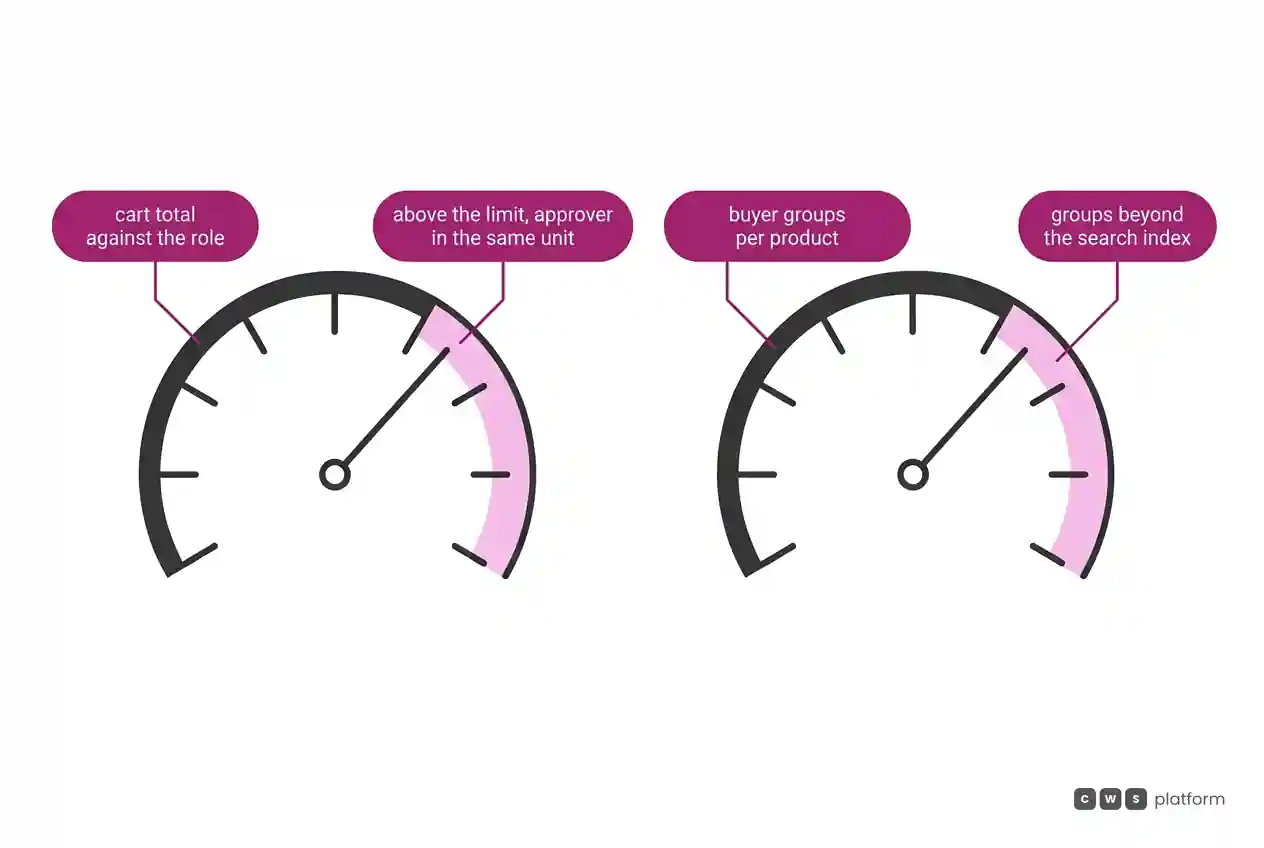
The purchase limit lives in the user's role: above it, checkout stops and the cart goes, locked, to an approver. Two boundaries of that flow are recorded in Spryker's documentation, accessed on October 16, 2026: approvers only approve orders from their own business unit ("Approvers can only approve orders of employees within their own business unit."), and when the total exceeds every approver's permission in the company, the indicated way out is to edit the quote ("Quote D can’t be processed because the quote total is higher than any Approver permissions set for that company. In such case, the only workaround is to edit the quote", approval process). In the demo, it is worth asking how a large order moves for a branch with no approver of its own.
In Salesforce, accounts, products, price books, and entitlements come in by import, and buyers sit in accounts and groups, with access controlled by profiles and permission sets, per the B2B Commerce introduction. Those groups have a limit recorded in Salesforce's documentation, accessed on October 9, 2026: during search indexing, only the first 2,000 buyer groups of a product enter the index ("During search indexing, only the first two thousand buyer groups for a product are included in the index.", entitlement limits). It is worth asking how many groups per product your pricing policy creates.
Quotes and assisted selling: the order with many lines
In Spryker, the quote starts from the cart: the sales rep edits price, quantity, items, and shipping, sets how long the offer is valid, and returns a new version, which the buyer turns into a cart or sends back for revision, per Spryker's Request for Quote. To add many lines at once, Quick Add to Cart accepts search by SKU, bulk pasted text, and images, per the Quick Add to Cart overview.
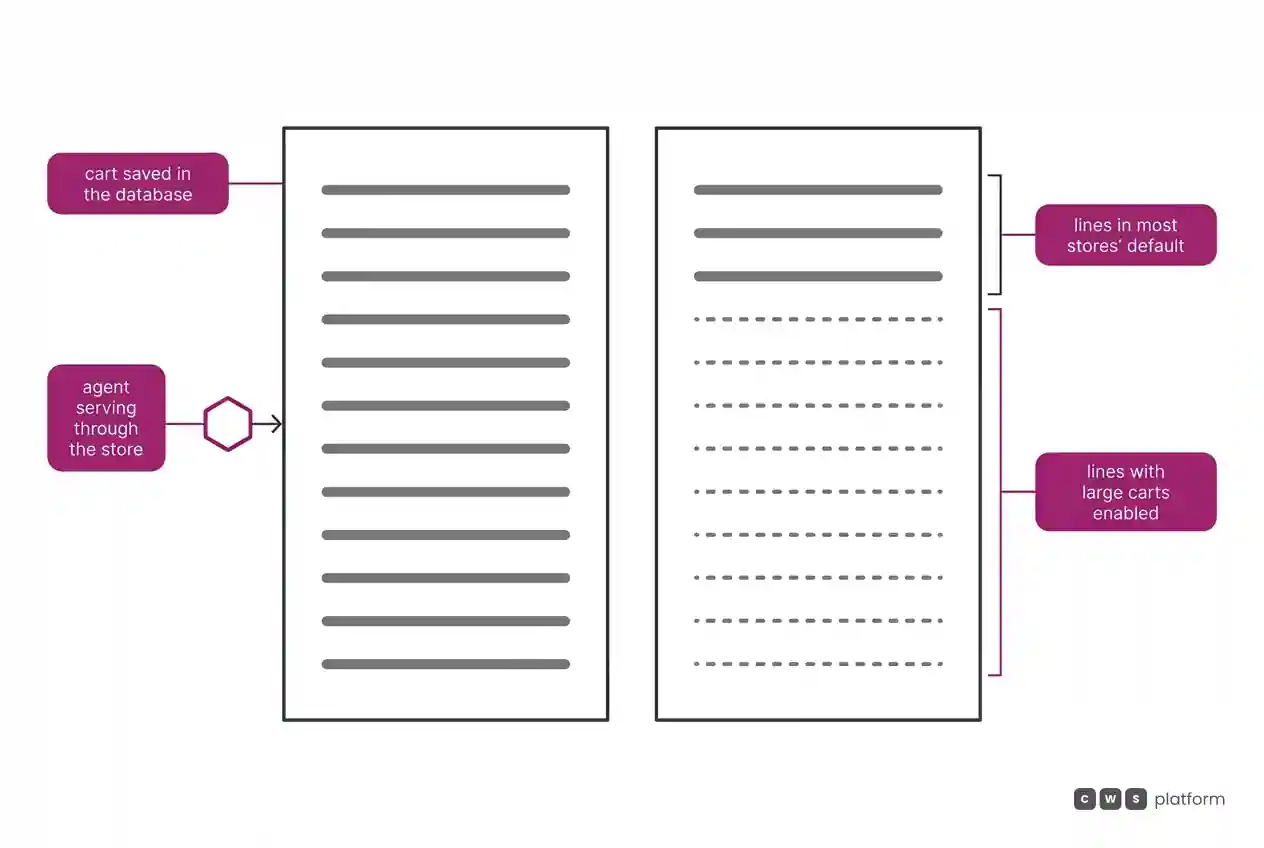
The rep can also serve the customer inside the store with Agent Assist, and the agent's email can be stored on the order, per the Agent Assist installation guide. In the storefront, the agent finds the customer by name or email and acts on their behalf, with one condition recorded in Spryker's documentation, accessed on October 16, 2026: the agent only manages a cart saved in the database ("If the cart is stored only in the customer’s session, the agent can’t manage it.", Agent Assist overview). It is worth asking whether the rep can pick up a large order the customer left halfway.
In Salesforce, B2B stores use only custom checkout, with services from third party providers, per the B2B Commerce introduction. The sources in this comparison do not document quotes or rep service inside the store; in Sales Cloud, Salesforce documents accounts, opportunities, territories, and sales teams, per the Sales Cloud core.
Cart size is recorded in Salesforce's documentation, accessed on October 9, 2026: most stores limit the cart to 500 line items per order, and reaching 2,000 requires enabling large cart support ("Most stores limit cart size to 500 line items per order.", cart limits). It is worth asking whether the largest order in your book fits that default and what changes once large carts are enabled.
ERP integration: where accounts, prices, and orders come from
In Spryker, the Data Exchange API handles data exchange with ERP, PIM, OMS, and BI, with endpoints and mappings created without code in the Back Office, per the Data Exchange API documentation.
In Salesforce, data comes in by CSV, in an asynchronous import of up to 10,000 products per session, and Data Loader is the recommendation for large loads, per the B2B Commerce introduction; the sources in this comparison do not document an ERP connector. For both, it is worth asking who sends the order to the ERP and who returns the contract price.
Cost and billing model: what to ask for in the proposal
The sources in this comparison do not document the billing model of either vendor for B2B commerce. The proposal needs to answer the questions this piece raises: for Spryker, whether Agent Assist, quotes, approvals, and the PunchOut Gateway are in the package; for Salesforce, whether large carts and Sales Cloud are included. Ask for both proposals on the same scenario: your largest customer, your largest order, and the reps who serve customers in the store.
Implementation and maintenance: the order process and the store
In Spryker, the order lifecycle is a state machine modeled in XML, with events fired on entering a state, manually, by API, or after a timeout, and with conditions and commands in PHP plugins, per the OMS setup guide. The Spryker Code Upgrader applies security updates first and then the rest, in groups, and opens a pull request, per how the Code Upgrader works.
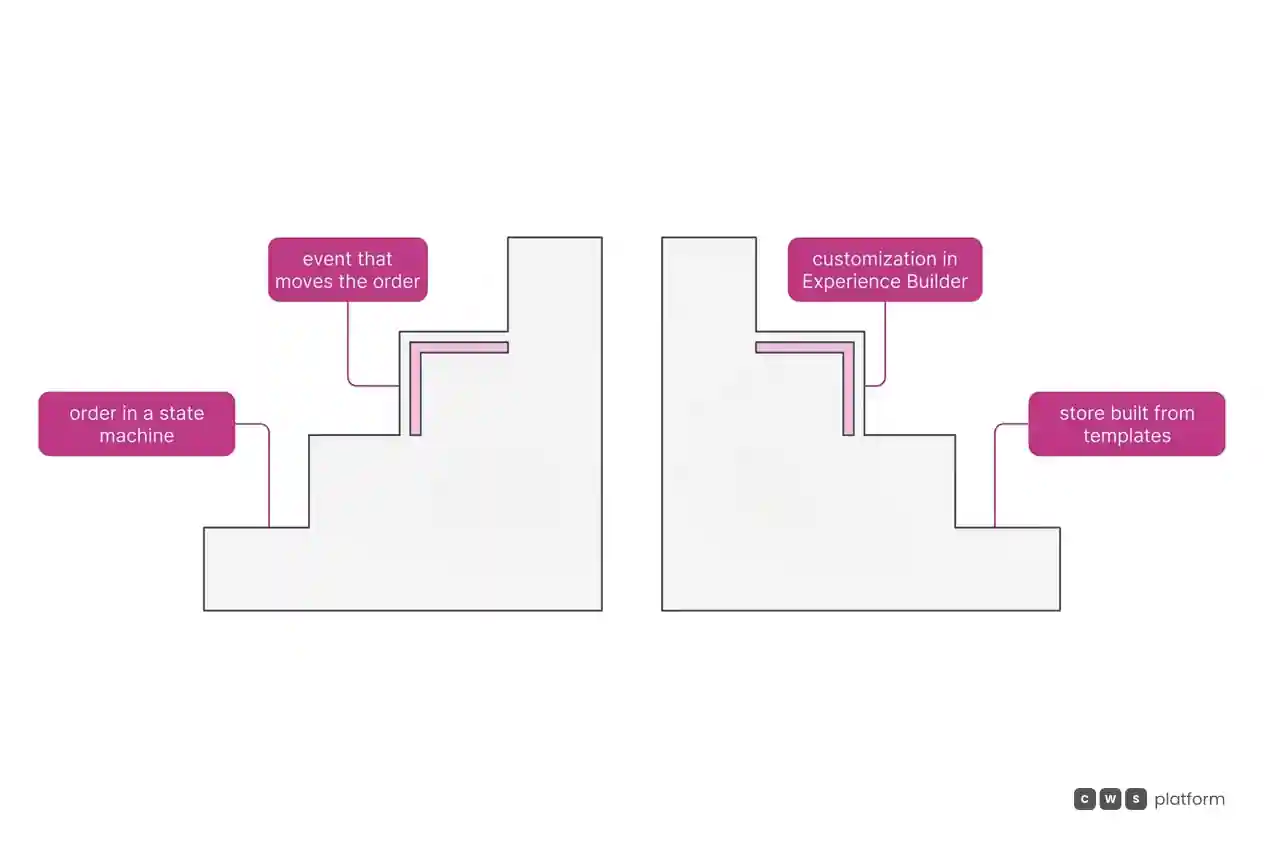
In Salesforce, the store starts from templates and is customized in Experience Builder, and the same org runs B2B and D2C with shared data and processes, per the B2B Commerce introduction. It is worth asking both vendors how much of a change in commercial policy is configuration and how much is a project.
When to choose Spryker
Buying companies with many units. Choose Spryker when the customer buys through branches and departments, with different roles and purchase permissions, per the Company Account overview.
Quotes negotiated in versions. Choose Spryker when large orders go through rounds of negotiation with the rep, per Spryker's Request for Quote.
Reps acting on the customer's behalf. Choose Spryker when the seller needs to act on the customer's behalf through the API as well, with an impersonation token, per impersonation through the Glue API.
Buying from the customer's procurement system. Choose Spryker when large customers buy through PunchOut, in OCI or cXML, per the PunchOut Gateway overview.
When to choose Salesforce Commerce Cloud
A store in the Salesforce org. Choose Salesforce when the B2B store should be built in the Salesforce org, with buyers in accounts and groups, per the B2B Commerce introduction.
B2B and D2C on shared data. Choose Salesforce when both channels should run in the same org, with self registration and guest browsing, per the same B2B Commerce introduction.
Managing the team in Sales Cloud. Choose Salesforce when sales management depends on territories, teams, forecasts, and revenue and credit splits, per the Sales Cloud core.
The seller's routine in one place. Choose Salesforce when sellers work from Seller Home, with opportunities, accounts, goals, and tasks, or from Sales Workspace, with tasks prioritized by AI, per the same Sales Cloud core.
When neither fits
The two handle the large order in different places: Spryker through the buying company's approvals and the agent who steps into the store; Salesforce through the cart and buyer groups. There is a third model, described in the post on the three B2B commerce platform models: bringing the commercial rules into the platform.
That is the CWS Platform model. Customers and sellers use the same interface and work on the same order, and one seller serves thousands of customers. The seller builds a cart with the items and the source of each one and sends the link for the customer to close, and the order records who built the cart and who chose the payment. The cart holds 250 items by default, and the limit is configurable. Seller discounts go through multi-level approval, and the customer's credit limit is kept in the platform. The platform brings together 11 modules, 6 AI Agents, and 1,029 parameters.
Each vendor is read against this model in Spryker vs CWS Platform: order approval operations and in assisted sales and the digital counter: Salesforce and CWS. If the large orders in your book fit neither design, it is worth talking to a CWS Platform specialist.
Frequently asked questions
Spryker or Salesforce Commerce Cloud: which is better for B2B?
It depends on where your large order gets stuck: Spryker fits companies selling to buyers split into business units, with approval before checkout, quotes with the rep, and agent service inside the store. Salesforce Commerce Cloud fits companies that want the B2B store in their Salesforce org, with buyers in accounts and groups; in Sales Cloud, Salesforce documents sales management.
Which one handles orders with many lines?
In Salesforce, most stores limit the cart to 500 line items, and reaching 2,000 requires enabling large carts. For Spryker, the sources in this comparison do not document a line ceiling, and Quick Add to Cart takes items in bulk. With both, test the largest real order in your book.
How does each one handle order approval?
In Spryker, above the role's limit the cart goes to an approver in the same business unit; above every approver's permission, the indicated way out is to edit the quote. For Salesforce, the sources in this comparison do not document an order approval flow in the store, and buyer access is controlled by profiles and permission sets.
How does the seller serve the customer inside the portal?
In Spryker, the agent finds the customer and acts on their behalf, as long as the cart is saved in the database, and the rep edits the quote the customer sent. For Salesforce, the sources in this comparison do not document rep service inside the store, and Sales Cloud documents accounts, opportunities, territories, and sales teams.
Read next
Brands mentioned in this article


- Salesforce
Trademarks and logos belong to their respective owners. Mention does not imply partnership or endorsement.
"responsive, technically engaged, and willing to work through complex commercial rules (negotiated pricing, credit, customer-specific conditions) rather than pushing generic answers"
Is every order costing your operation more?
Request an assessment of your operation or talk straight to a specialist, whichever you prefer.
I'd rather get the next articles on the cost of each order
A weekly roundup of new articles on the cost of each order, only in weeks when there is one. No spam, and you can leave in one click.